Desk organization
Which cable clips fit your desk setup?
Count cords and mounting spots separately. Compare three-, five- and seven-channel desk clips with individual magnetic holders for chargers and peripherals.
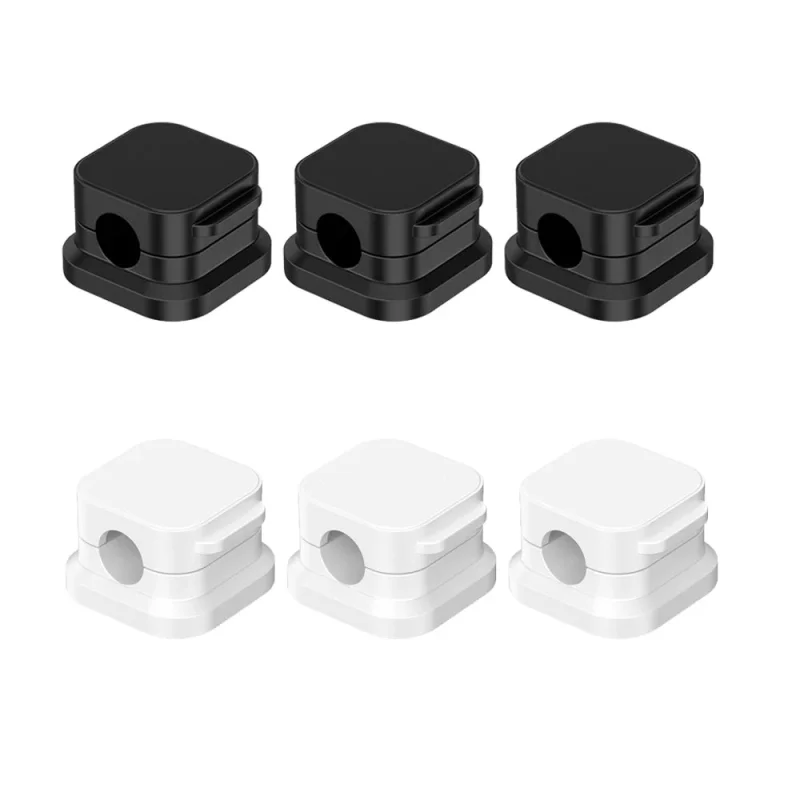
Count cords and mounting spots separately
If your keyboard, mouse and charging cord follow the same edge of the desk, a three-channel silicone clip gives each cord its own slot at one spot. If your charger finishes beside your chair and your keyboard cable runs behind the monitor, separate holders let you choose a different spot for each.
Read the option before counting pieces
A three-channel silicone clip has three slots for cords. A six-clip magnetic pack contains six separate holders. Sketch the route with a dot where each holder needs to sit. A single long cable might use two holders, one near the desk edge and another near the charger.
For a keyboard, mouse, webcam and two charging cords all crossing the same desk edge, count five cables. The gray five-channel clip gives each cable a slot. The gray seven-channel clip leaves two slots for later. If you only want to catch a single charger as you unplug your phone, a single magnetic holder can sit right at the place the cable usually slips behind the desk.
Check fit before sticking anything down
Use the thickest part of the cord that will sit in the clip when checking its opening. A braided charging lead and a thin mouse cable can need different clearances. Lay the cord along the route and move the mouse through its full travel. Leave enough slack to unplug the device comfortably. Check that the adhesive base fits on the flat surface and that the listed adhesive suits the finish before removing the backing.
Products in this guide
 Multi-channel silicone cable clips$14.99 · Available to order
 Magnetic adhesive cable clips$14.99 · Available to order